Productivity in the Workplace: Practical Ways to Help Employees Work More Effectively
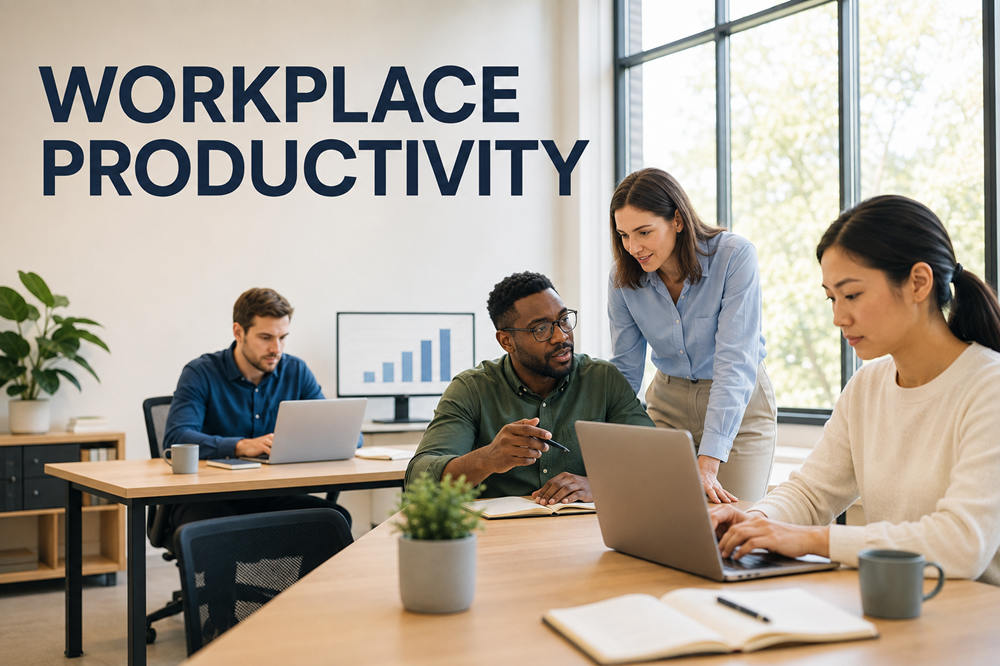
Productivity in the workplace is not about filling every minute with tasks or expecting employees to work longer hours. It is the ability to turn time, skills, technology, and other resources into valuable results without sacrificing quality or employee well-being.
The most productive workplaces make priorities clear, remove inefficient steps, and give people enough time and support to do their jobs properly.
What Is Productivity in the Workplace?
Workplace productivity measures the relationship between the results an organization produces and the resources required to produce them. Those results might include completed projects, manufactured goods, resolved customer requests, sales, or improvements to business processes.
Productivity must account for both quantity and quality. An employee who closes 50 customer service tickets has not necessarily been more productive than someone who closes 30. If many of those 50 customers must contact the company again, the higher number has created more work rather than more value.
The right measures also depend on the job. A sales department might track qualified leads and revenue, while a manufacturing team monitors output, defects, and safety. Creative and technical teams may focus on project milestones, accuracy, reliability, and the quality of completed work.
This is why productivity should not be reduced to how many hours an employee spends at a desk. Time is an input, not a result.
Key Factors That Affect Workplace Productivity
Individual effort matters, but employees cannot overcome poorly designed systems indefinitely. Conflicting priorities, excessive approvals, outdated technology, weak management, and unrealistic workloads can slow down even a skilled and motivated team.
Clear Goals and Priorities
Employees work more efficiently when they understand the expected result, its deadline, and why it matters. Vague assignments force them to interpret the request, seek clarification, or redo work later.
Managers should identify a small number of meaningful priorities rather than treating every task as urgent. When a new request becomes more important, they should explain which existing assignment can be delayed.
Large projects also become more manageable when divided into clear milestones. Each milestone gives the team a practical next step and makes delays easier to spot.
Supportive Management
Managers influence how work is assigned, how quickly decisions are made, and whether employees feel comfortable raising problems. Effective managers provide direction, remove obstacles, and give people enough authority to handle routine decisions.
Feedback should be timely and specific. Waiting for an annual review to mention an ongoing problem allows mistakes and frustration to continue. A brief conversation after a task or project can help an employee make useful changes while the details are still fresh.
Managers should also listen to the people performing the work. Employees often know which procedures create delays, where information is missing, and which approvals add little value.
Clear Communication
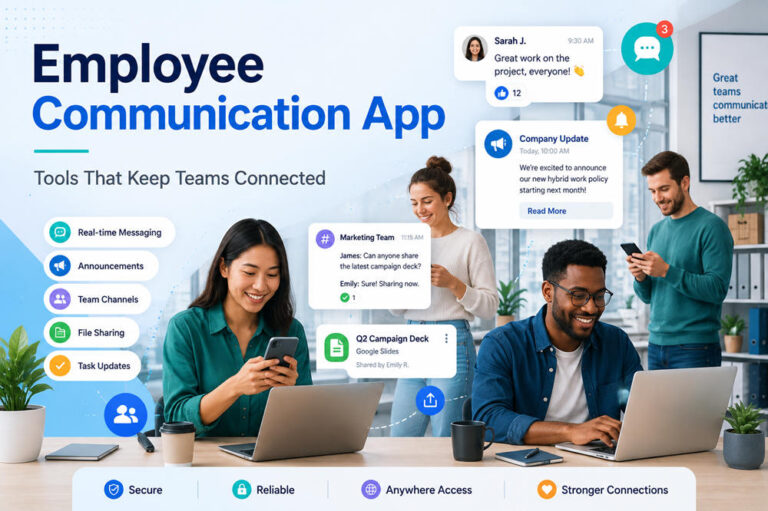
Poor communication can lead to repeated work, missed deadlines, conflicting instructions, and preventable mistakes. It also makes employees spend valuable time searching for updates or confirming decisions.
Teams can reduce these problems by deciding where different types of communication belong. An urgent operational issue might require a call, while a project update may be better placed in a shared system. Routine information usually does not need a meeting.
Important decisions should be recorded in writing. A short note stating what was decided, who is responsible, and when the work is due gives everyone the same reference point.
Suitable Technology
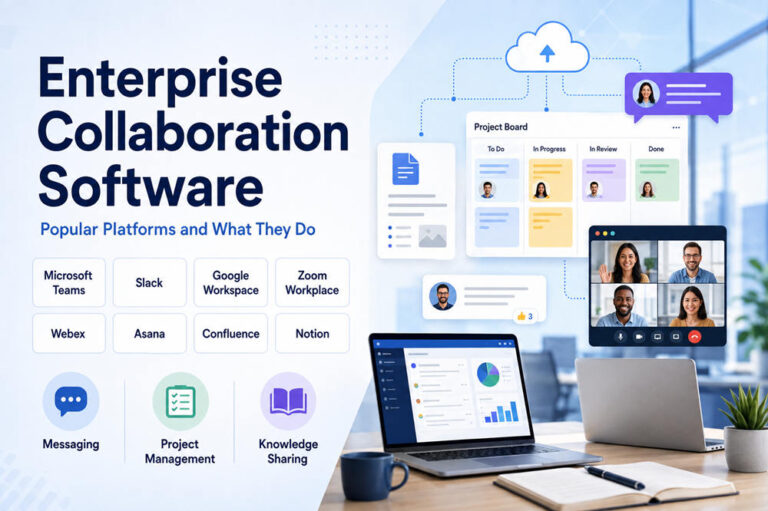
Technology should make work easier, not add another layer of administration. Useful tools can automate repetitive tasks, organize information, and help teams collaborate. Poorly chosen tools create duplicate data entry, unnecessary notifications, and confusing workflows.
Before adding a new platform, employers should identify the exact problem it is expected to solve. They should also check whether existing software already includes the required feature.
Training is equally important. Employees cannot use a system efficiently if they have only been shown its basic functions or are expected to learn a complicated process through trial and error.
Employee Health and Well-Being
Fatigue and chronic stress can affect concentration, judgment, communication, and work quality. The Occupational Safety and Health Administration’s workplace-stress guidance explains that workplace stressors can make tasks harder to complete and contribute to lower productivity and burnout.
A wellness activity cannot compensate for understaffing, unpredictable schedules, or excessive workloads. Employers need to examine the conditions creating stress, including how work is distributed and whether employees have sufficient control over their responsibilities.
The CDC Workplace Health Model supports a coordinated approach that combines programs, policies, benefits, and environmental changes. Regular breaks, realistic deadlines, and protected personal time should therefore be part of the workplace itself rather than treated as rewards for overwork.
The Working Environment
Noise, uncomfortable equipment, poor lighting, constant notifications, and frequent interruptions can make focused work difficult. Each interruption may require an employee to rebuild concentration before continuing.
Different tasks require different environments. Collaboration may work well in a shared space, while writing, planning, coding, and financial analysis often benefit from quiet periods.
Remote and hybrid employees need reliable equipment, access to the same information as office workers, and clear expectations about availability. Flexibility is less helpful when people feel they must respond to messages at all hours.
Practical Ways to Improve Productivity in the Workplace
Meaningful improvement begins with fixing the obstacles that interrupt valuable work or make routine tasks unnecessarily difficult.
Protect Focused Work Time
Meetings, email, and workplace chat all serve useful purposes, but they can divide the day into short, unproductive fragments. Microsoft’s research on the increasingly interrupted workday shows how messages, emails, and meetings can compete for the attention of knowledge workers throughout the day.
Teams can protect concentration by introducing meeting-free periods, reducing nonessential notifications, and allowing employees to check routine messages at planned times. A written update can sometimes replace a meeting without leaving anyone uninformed.
Not every occupation allows hours of uninterrupted work. Even a protected 30- or 60-minute period can help an employee complete a task that requires careful thought.
Make Meetings More Useful
A meeting should have a clear purpose and require real-time discussion. Sharing routine information, collecting simple updates, or distributing a document rarely needs everyone to stop working at the same time.
A useful meeting invitation should state:
- What needs to be discussed
- What decision or outcome is expected
- Who needs to participate
- What attendees should review beforehand
- How much time has been reserved
Someone should document the decisions, responsibilities, and deadlines afterward. Regular meetings should also be reviewed occasionally. If a recurring meeting rarely leads to action, it may need to be shortened, replaced with a written update, or removed.
Simplify Repetitive Processes
Manual data entry, duplicate reports, and unnecessary approvals can consume hours without improving the final result. Instead of asking employees to complete these steps faster, employers should examine whether every step is still necessary.
When reviewing a process, ask:
- Is the same information entered in more than one system?
- Does every approval protect against a real risk?
- Could a template reduce repeated writing?
- Can software automate part of the task?
- Is anyone using the report being produced?
- Are employees repeatedly correcting the same error?
Removing one unnecessary step from a task performed hundreds of times can create a meaningful improvement.
Match Responsibilities to Skills
Employees usually work more effectively when their responsibilities suit their training, knowledge, and strengths. Assigning specialized work to the first available person may cause delays and mistakes.
This does not mean employees should never take on unfamiliar tasks. New responsibilities can support development, but they should come with instruction, realistic deadlines, and access to help.
Managers should know which skills exist within the team and where important gaps remain. Training can then address actual business needs instead of providing broad courses that employees may never use.
Keep Information Organized
Employees lose time when they must search through several systems or ask multiple coworkers to locate a policy, form, or project update. Frequently used information should have a clear and dependable home.
Documents need recognizable names, consistent folders, and assigned owners. Outdated versions should be archived so employees do not accidentally follow old instructions.
A shared knowledge base can help, but only if someone maintains it. An abandoned collection of outdated pages creates confusion rather than saving time.
Reduce Multitasking
What appears to be multitasking is often rapid switching between unrelated activities. An employee may move from a report to a chat message, then to an email, and finally back to the report. Each switch requires time to remember the original task and regain focus.
Grouping similar activities can reduce this disruption. For example, employees may process routine email at set times, complete administrative tasks together, or reserve a particular block for concentrated project work.
Urgent responsibilities still need immediate attention. The goal is to prevent every minor notification from being treated as an emergency.
Common Barriers to Workplace Productivity
Some productivity problems are caused by organizational practices rather than a lack of employee effort.
Common barriers include:
- Conflicting priorities: Employees receive urgent requests from different managers without knowing which one takes precedence.
- Unclear ownership: Tasks stall because no one knows who can make the final decision.
- Too many approvals: Routine work moves through several people even when the risk is low.
- Inadequate staffing: Employees constantly switch between emergencies because the team lacks enough capacity.
- Outdated systems: Slow or incompatible technology creates manual work and repeated errors.
- Unnecessary reporting: Employees prepare updates that are rarely read or used.
- Constant interruptions: Frequent messages and meetings leave little time for focused work.
- Unrealistic workloads: Deadlines and assignments exceed the team’s available time and resources.
- Poor training: Employees are held responsible for results without receiving the knowledge or guidance they need.
These barriers should be investigated before managers assume that employees simply need to try harder. OSHA recommends identifying the specific workplace stressors associated with a job and taking practical steps to reduce them.
Persistent workarounds often reveal a process that needs to be redesigned.
How Employers Can Support Productive Employees
Employers can support productivity by creating reliable conditions for good work. A practical employer checklist includes:
- Define responsibilities and decision-making authority.
- Set realistic priorities and deadlines.
- Review workloads before adding new assignments.
- Provide suitable equipment, software, and training.
- Give employees specific and timely feedback.
- Recognize useful contributions fairly.
- Protect breaks and personal time.
- Allow reasonable flexibility when the role permits it.
- Invite employees to report inefficient processes.
- Fix repeated obstacles instead of normalizing workarounds.
- Train managers to delegate and communicate clearly.
Employee engagement can also offer useful insight. Gallup defines engagement as employees’ involvement in and enthusiasm for their work and workplace. Its large-scale employee engagement research has found associations between stronger engagement and organizational outcomes such as productivity, retention, customer loyalty, and profitability.
Engagement cannot be created through slogans or occasional team activities. Employees are more likely to feel engaged when they understand what is expected, have the resources to perform their jobs, receive helpful recognition, and see a meaningful connection between their work and the organization’s goals.
Measuring Workplace Productivity
A useful productivity system measures valuable results rather than visible activity. Tracking hours, messages sent, or keyboard activity may show that someone is present, but it does not reveal whether the work is accurate or useful.
Organizations should select a few measures that match each team’s purpose. These may include:
- Completed goals or project milestones
- Accuracy and work quality
- Turnaround or response time
- Customer satisfaction
- Revenue or qualified sales
- Manufacturing output
- Error and rework rates
- On-time delivery
- Safety and compliance
- Employee engagement
- Successful process improvements
Measurements should be considered together. A shorter turnaround time is not an improvement if errors increase. Higher output may not be sustainable if it depends on excessive overtime or creates safety problems.
Managers must also account for context. A temporary decline may result from employee training, equipment failure, a more complicated project, or a change in customer demand. Numbers should begin a conversation, not replace judgment.
Sustainable workplace productivity comes from measuring meaningful results, improving inefficient systems, and giving employees the time, information, and support needed to perform well.