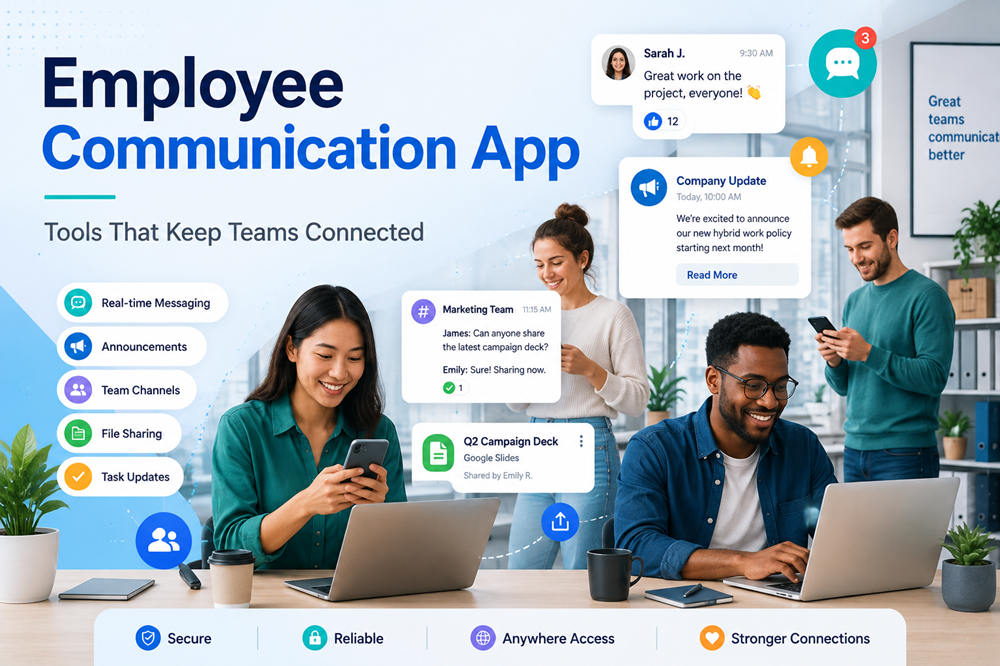
10 Employee Communication Apps That Keep Modern Workforces Connected and Informed Everywhere
Important workplace messages often get buried in emails, group texts, and outdated documents. Communication becomes even harder when employees work remotely, cover different shifts, travel between locations, or do not have company email accounts.
An employee communication app gives everyone one place to receive announcements, find resources, contact coworkers, and respond to company updates. The apps below serve different workforce needs and are listed by use case rather than ranked from best to worst.
Employee Communication Apps to Consider
1. Connecteam
Best for: Small and midsize businesses with frontline or mobile employees
Connecteam combines employee communication with scheduling, time tracking, training, forms, and task management. Managers can publish announcements, create team chats, run surveys, share documents, and send updates to selected departments or locations.
The mobile-first design works well for restaurants, retailers, construction companies, cleaning services, healthcare teams, and field service businesses. Employees can check schedules and company news without needing a desk or company email account.
Connecteam offers many tools in one platform, but businesses that only need messaging may find the system broader than necessary. Managers also need to organize its features carefully so employees are not faced with a crowded app.
2. Staffbase
Best for: Large organizations with multiple locations, departments, or languages
Staffbase is an employee communication platform built for company news, targeted announcements, internal email, intranet content, mobile communication, and digital signage.
Communication teams can publish different information for employees based on their role, department, location, or preferred language. This targeting helps a large company avoid sending every announcement to the entire workforce.
Staffbase is especially useful for organizations that need to coordinate communication across several channels. It also provides analytics that show which messages employees opened or interacted with.
Its enterprise-level features may be more complex and expensive than a small company needs. The platform works best when a dedicated internal communication team manages its content and structure.
3. Blink
Best for: Frontline workers who need a simple mobile communication experience
Blink gives deskless employees access to company news, team messages, workplace documents, forms, schedules, and essential services through a mobile app.
Its main feed presents workplace updates in a familiar, easy-to-scan format. Managers can target announcements to specific teams and check whether employees have read important information.
Blink suits transportation, logistics, healthcare, hospitality, manufacturing, and other industries where many employees do not regularly use computers. It can also serve as a central starting point for links to payroll, scheduling, and human resources tools.
The platform focuses more on frontline communication than detailed project collaboration. Office teams that need advanced document editing or project-management features may still require other software.
4. Workvivo
Best for: Companies that want stronger communication and workplace culture
Workvivo combines company announcements, employee recognition, workplace communities, events, documents, and social-style posts. Employees can react to updates, comment on company news, recognize coworkers, and share team achievements.
This approach makes communication feel more interactive than a traditional intranet. It can help remote teams and employees in different offices see what is happening across the organization.
Workvivo is useful for companies that want employees to contribute to workplace communication rather than only receive messages from leadership.
The social format needs clear posting rules. Without thoughtful organization, casual updates may compete with important announcements. Companies should separate required information from optional community conversations.
5. Beekeeper by LumApps
Best for: Frontline teams that need communication and operational tools
Beekeeper focuses on employees working in hotels, factories, warehouses, stores, construction sites, and other non-desk environments. It provides communication streams, private messages, voice messages, documents, forms, surveys, and workplace workflows.
Managers can organize updates by location, shift, department, or subject. Employees can use the same app to read announcements, report safety concerns, complete checklists, or submit workplace requests.
Beekeeper is now part of LumApps, but it continues to focus strongly on frontline employee needs. That makes it different from the broader LumApps intranet platform.
Its workflow tools are useful for daily operations, although companies seeking a simple announcement app may not need every available feature.
6. Haiilo
Best for: Midsize and large companies communicating through several channels
Haiilo combines employee communication, company knowledge, surveys, social features, and analytics. Internal communication teams can create content once and distribute it through an intranet, mobile app, email, and other channels.
Employees can comment on posts, join communities, recognize coworkers, and find workplace information. Content can also be targeted to particular departments, countries, locations, or employee groups.
Haiilo works well when a business wants to centralize information without forcing every employee to use the same communication method.
Its range of features requires ongoing management. Someone must organize content, remove outdated information, and decide which updates belong on each channel. Smaller organizations may prefer a more focused platform.
7. LumApps
Best for: Large organizations building a personalized employee intranet
LumApps gives employees a central place to find announcements, documents, applications, training resources, workplace contacts, and company services. Its home pages can display different information based on an employee’s role, location, or department.
The platform is useful for organizations that have outgrown basic messaging tools and need a structured digital workplace. It can connect with Microsoft 365, Google Workspace, human resources systems, and other business applications.
LumApps also supports employee communities, onboarding, search, and content management.
Setting up a full intranet takes more planning than introducing a chat app. Companies need clear ownership, organized navigation, and a process for keeping pages accurate. Small teams may find the platform more advanced than necessary.
8. Microsoft Teams
Best for: Organizations already using Microsoft 365
Microsoft Teams supports private messages, group chats, channels, video meetings, calls, file sharing, announcements, and workplace applications.
Companies already using Outlook, SharePoint, OneDrive, and other Microsoft services can keep much of their communication inside the same environment. Teams also includes features designed for frontline workers, such as shift communication and mobile access.
Teams is primarily a collaboration platform rather than a dedicated employee intranet. It works well for everyday conversations, meetings, and project coordination, but formal company news may need a carefully managed announcement channel.
Poor organization can quickly create too many teams and channels. Companies should set naming rules and explain where different types of messages belong.
9. Slack
Best for: Remote, office, creative, and technology-focused teams
Slack organizes workplace communication into channels for projects, departments, clients, locations, or topics. Employees can send direct messages, share files, search past conversations, use integrations, and start quick audio or video huddles.
Slack is especially helpful for teams that collaborate throughout the day and need faster conversations than email provides. Public channels also make decisions and project updates visible to everyone involved.
However, Slack is not a traditional employee intranet. It offers fewer tools for structured company news, policy libraries, and formal employee resources than platforms such as Staffbase or LumApps.
Frequent messages can also become distracting. Clear channel rules and thoughtful notification settings are essential.
10. Simpplr
Best for: Companies wanting a modern intranet and employee experience platform
Simpplr brings company news, internal sites, newsletters, surveys, recognition, onboarding, workplace resources, and employee feedback into one platform.
Organizations can create a main employee homepage along with separate sites for departments, offices, projects, or communities. Important announcements can be highlighted so they do not disappear beneath less urgent content.
Simpplr also offers search, analytics, integrations, and tools for managing outdated pages. These features are valuable for larger organizations with information spread across several systems.
The platform is more comprehensive than a basic communication app. Businesses need employees who can maintain the intranet, manage permissions, and regularly review its content.
Benefits of Using an Employee Communication App
Important Information Reaches Employees Faster
An employee app gives workers one reliable place to check company updates. Managers can quickly share weather closures, safety instructions, schedule changes, training dates, and operational announcements.
Employees no longer need to search several email threads or wait for a supervisor to pass along the message.
Frontline Employees Stay Included
Many frontline employees do not sit at computers or receive company email addresses. A mobile app gives them direct access to the same workplace information as office employees.
This is particularly helpful for drivers, warehouse staff, restaurant workers, technicians, nurses, cleaners, retail teams, and employees working at temporary job sites.
Messages Can Be Sent to the Right People
A companywide announcement is not always necessary. A communication app can send updates to a specific location, shift, department, job role, or project team.
Targeting reduces unnecessary notifications and helps employees recognize when a message directly affects their work.
Employees Can Find Documents More Easily
Policies, handbooks, training materials, benefit information, forms, and workplace procedures can be stored in one searchable library.
Employees spend less time asking managers to resend documents. The company can also replace outdated files so workers are less likely to follow old instructions.
Feedback Becomes Easier to Collect
Polls, surveys, comments, and digital forms give employees simple ways to ask questions or share concerns.
Collecting feedback is only the first step. Leaders should explain what they learned, which changes they will make, and why some suggestions cannot be adopted.
Workplace Connection Can Improve
Recognition posts, employee introductions, company stories, and team updates help people see what is happening outside their immediate department.
These updates can strengthen connection among remote employees and workers spread across several offices, stores, or job sites. The content should remain useful and genuine rather than becoming forced corporate promotion.
Email Becomes More Manageable
Email still works well for formal records and detailed communication. It is less effective for quick announcements, active group discussions, and urgent operational updates.
Moving suitable messages into an employee app can reduce inbox clutter while keeping workplace communication organized.
How to Choose the Right Employee Communication App
Start With the Communication Problem
Do not begin by comparing long feature lists. Identify the specific problem you need to solve.
You may need to reach workers without email, centralize policies, improve emergency communication, connect several locations, or reduce dependence on personal group texts.
A clear goal makes it easier to reject platforms that include impressive features but do not address your actual needs.
Consider Where and How Employees Work
Frontline workers usually need a simple mobile app that loads quickly and requires little training. Office employees may need desktop access, file collaboration, meetings, and integrations.
Also consider language needs, internet reliability, accessibility, device availability, and whether employees are allowed to use personal phones at work.
Keep the Employee Experience Simple
The app should make communication easier, not create another system employees struggle to understand.
Employees should be able to find announcements, contacts, documents, and schedules within a few taps. Ask workers from different roles to test the app before making a final decision.
Compare Only the Features You Need
Useful features may include targeted announcements, direct messaging, emergency alerts, surveys, document libraries, employee directories, translation, search, and read confirmations.
More features are not always better. Every additional tool creates another area that must be configured, explained, and maintained.
Review Security and Privacy
Check how the platform protects employee information, internal conversations, schedules, and company documents.
Administrators should be able to control permissions, remove former employees quickly, and limit access to sensitive content. Employees should also understand what information the company can see and whether after-hours app use is expected.
Check Existing Software Integrations
The app should work with the systems your company already uses whenever possible. Common integrations include payroll, scheduling, human resources, cloud storage, learning platforms, and calendars.
Useful integrations reduce duplicate work. Poor integrations may force managers to update the same information in several places.
Calculate the Full Cost
Subscription prices do not always include setup, customization, integrations, training, premium support, or data migration.
Include the internal cost of managing the app as well. Someone must publish updates, answer employee questions, maintain user accounts, and remove outdated documents.
Test the App With a Small Group
Run a pilot with one location, department, or employee group before launching the platform across the company.
Ask participants whether notifications are helpful, information is easy to find, and the app solves the original communication problem. Use their feedback to adjust settings, content categories, and training before the full rollout.